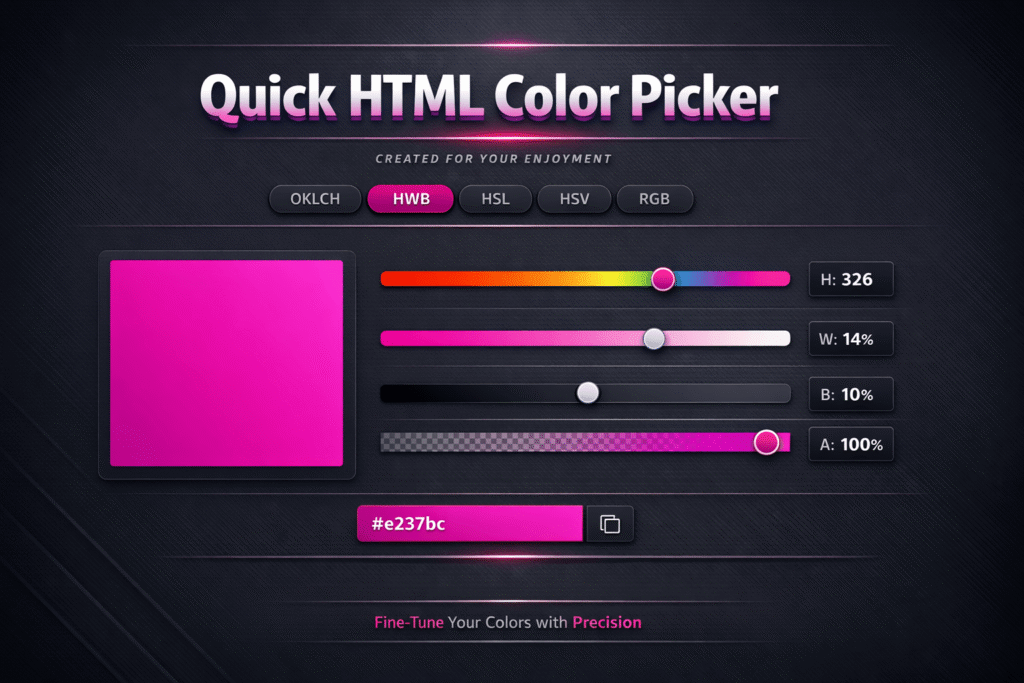
If you are a web designer, blogger, or developer, choosing the right HTML colors is crucial to your work. Opening Photoshop or heavy software every time is a waste of time. Quick HTML Color Picker for Windows is a simple solution to this problem. It is a lightweight, fast tool that lets you instantly get the HTML Color Code for any color on the screen.
 Join WhatsApp Channel
What is Quick HTML Color Picker?
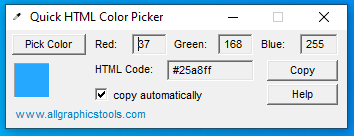
Quick HTML Color Picker is a free Windows program that lets you select the color of any pixel and view its HEX, RGB, or HTML code.
It is especially great for those who:
- Design websites
- Want to match blog theme colors.
- Work on UI/UX design
Key features of Quick HTML Color Picker
- Ability to pick any color from the screen
- Shows the HEX and RGB color code instantly
- Simple and user-friendly interface
- Works with all versions of Windows
- Absolutely free and lightweight software
Download Guide
Downloading Quick HTML Color Picker is very easy:
- First, click on the Download Now button.
- Install the file after downloading.
- Open the software and start using it immediately.
How to use Quick HTML Color Picker
- Open the software
- Click on the color picker icon.
- Move the mouse over the color whose code you want.
- Click to copy the HTML / HEX color code.
Who is this tool best for?
- Web designers
- Bloggers
- YouTube thumbnail designers
- Graphic designers
- Front-end developers
Benefits of Quick HTML Color Picker
- Time saving
- Professional color matching
- Uniformity in design
- No need for any bulky software
Conclusion
If you work on Windows and often deal with HTML Color Codes, then Quick HTML Color Picker for Windows is an excellent tool for you. It is simple, fast, and completely free, making your design work easier.

One Comment on “How To Download Quick HTML Color Picker for Windows”