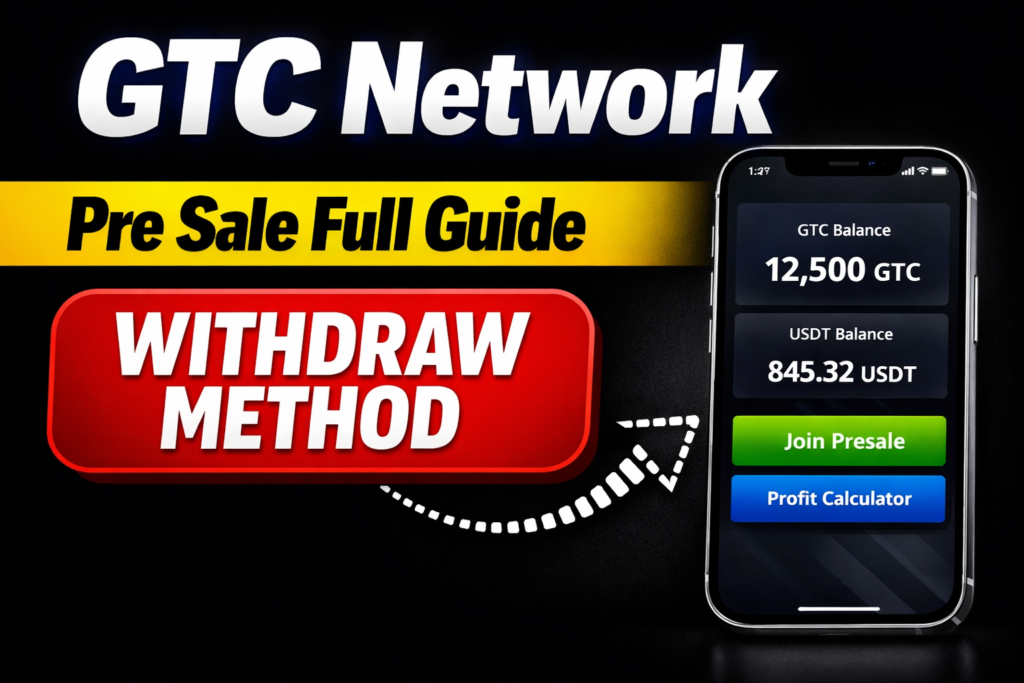
In this guide, I will explain everything about the GTech (GTC) withdrawal and Presale, including how to check your balance, join the Presale, buy tokens, and withdraw them to your Wallet. Ensure you have a registered GTech account and have completed any necessary KYC steps before starting.
 Join WhatsApp Channel
GTech Dashboard Overview
After logging in to your GTech account, click Home. You will see your total balance, Mining details, Number of streaks, and Mining option status. This section gives you a complete overview of your account activity.
GTech Wallet & Presale Option
Now, click on the Wallet section. Here, you will find the Presale option. If you already have a large number of tokens, you can participate in the Presale, which starts from $5.
Read More: How To Earn from Mintly App Joining & Withdrawal Process
GTC Presale Buyer Benefits
If you join the Presale, all GTC presale buyers will be able to withdraw 100% of their GTC tokens (Mining, Referral + Presale tokens) immediately. This opportunity to access your tokens without restrictions can empower you and make you feel appreciated for your early support. You will receive GTC at a discounted price of $0.002, adding value to your investment. This limited-time offer aims to make you feel excited about the potential gains, especially with the expected listing price of $0.05.
GTC Presale Instant Withdraw
You can also instantly withdraw all your GTC from your GTC app wallet to a non-custodial wallet, such as MetaMask or Trust Wallet. No gas fees will be charged to GTC presale buyers on withdrawal. When you buy GTC in the Presale, you will receive a referral code on the Presale dashboard. You can share this code with other users and earn a 20% referral bonus in USDT on their GTC purchases. Presale referral rewards can be withdrawn instantly in USDT.
Join the GTech Presale
Step 1: To join the Presale, first go to Wallet and click Join Presale. You can also use the Profit Calculator. Example: I have almost 8 million GTC tokens. After clicking Join Presale, an official page will open. The Presale Link is added at the bottom of this post.
Step 2: Log in to the Presale Page using your GTech-registered Gmail and password. Click Save your password if prompted. You will see the Option to withdraw 100% of your GTech tokens. Confirmation of no vesting period. Discounted presale price: $0.002
Instant Withdrawal & Supported Wallets
You can withdraw GTC tokens instantly to your MetaMask, Trust Wallet, Binance Wallet, or OKX Wallet. No gas fee is required for withdrawal.
Referral System Explained
When you activate Presale using a referral code, the referrer receives 20% commission. If you use my referral code, I will receive 20%. Your referral code will be shown on the presale page and Telegram channel.
Buying GTC Tokens via USDT
The Minimum purchase of the Presale GTC token is $5 USDT. Enter the amount in USDT and click Check GTC; you will receive 2500 GTC tokens.
Payment & Verification Process
Step 1: Deposit USDT to buy a token in the Presale. You can send USDT using the BNB Smart Chain, the Polygon network, or the TRON network or blockchain.
Step 2: Upload Payment Proof after sending the payment. Take a screenshot and upload it to the presale page, then enter your referral code and click Submit.
Step 3: Payment verification takes 24 to 48 hours. You will see a confirmation message. Thank you for participating in the GTC Presale. Your payment verification will be completed within 24–48 hours.
Step 4: Checking Transaction Status. Go to Profile, click Transactions. Status will show as Pending. Once approved, it will change to Confirmed.
Read More: How To Earn & Withdraw Money From ColorSort Game
Withdraw GTC Tokens
Step 1: Import the GTC Token to the Wallet, Then Copy the GTC contract address.
0xd1F6cc234b9B82E90AC277c9C2E3C7a91d17DAf9
Step 2: Open your Wallet (MetaMask / Trust Wallet / Binance Wallet / OKX), select BNB Network, click Import Token, paste the contract address, and confirm import.
Step 3: Withdraw GTC Tokens, Go back to GTech
Click Withdraw. Paste your wallet address. Once the Presale is confirmed, all tokens can be withdrawn successfully.
Conclusion
GTech (GTC) presale offers users who already hold a good number of tokens the opportunity to unlock instant 100% withdrawals without a vesting period by participating with a minimum of $5. The presale offers tokens at a discounted price, and users can withdraw them to popular wallets such as MetaMask, Trust Wallet, Binance Wallet, or OKX once the transaction is approved.