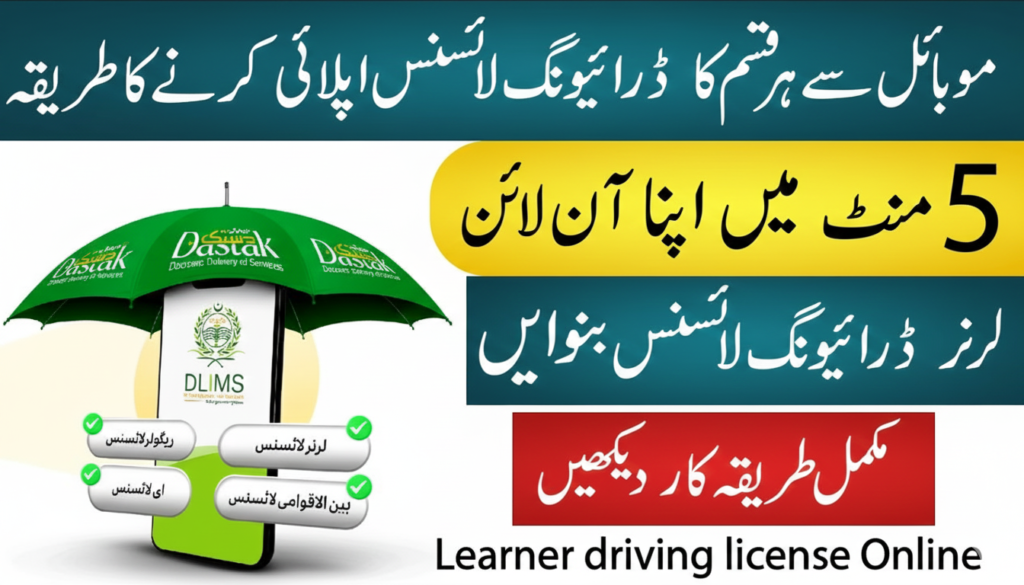
If you live in Punjab and want to get a driving license or renew your existing license, DLIMS (Driving License Issuance & Management System) is the easiest and most official way. In this blog post, I will walk you through the steps to apply for or renew your expired driving license.
 Join WhatsApp Channel
What is DLIMS?
DLIMS is an online portal for applying for or renewing your Driving License online from home. The Punjab government has an official online system that manages the entire driving license process. Its purpose is to issue driving licenses to people in an easy, fast, and paperless manner.
Read Also: How To Apply For Green Property Certificate Full Guide 2026
New Driving License Application Process
Step 1: Visit the DLIMS Website, open the website, and select the “Apply for New License” option.
Step 2: Create an Account or Login. If you are applying for a driving license for the first time, then you need to register. Fill in your name, CNIC number, mobile number, and email ID. Complete the OTP verification.
Step 3: Select the License Category and Vehicle Type. Select the Category, Non-Commercial: Motorcycle, Car, Tractor Commercial: LTV, Truck, Rickshaw, Tractor Commercial Vehicle Type Manual or Automatic
Step 4: Upload the Required Documents, Scanned copy of CNIC, Passport-size photo, Residence proof (utility bill, or other documents, if required)
Step 5: First-timers issue learner’s licenses. Select the date of the written test.
Step 6: Pass the Learner’s License Test. After passing the written test, you receive your learner’s license. Complete the minimum period (usually 6 weeks) to practice with your learner’s license.
Step 7: Schedule a Driving Test. Book an appointment for the practical driving test. Select a test center and date.
Step 8: For a Car or a Large vehicle, you must pass the physical driving test to get a regular driver’s license for a car or any other vehicle. For a bike, there is no need for a driving test.
Step 9: Pay the Fee Online. Pay the fee using the online payment methods available on the website (Debit/Credit Card, JazzCash, EasyPaisa).
Step 10: Receive the License. The driving license will be posted to your address or collected from the test center.
Driving License Renewal Process
Step 1: Log in to the DLIMS website
Step 2: Select the Renewal Option, and click on the Renew License option.
Step 3: Fill in the Existing License Details, License number, Expiry date, and CNIC details
Step 4: Upload the Required Documents, CNIC scan copy, Old driving license scan copy, and a Recent passport-size photo (if required)
Step 5: Pay the Fee Online. Pay the renewal fee on the website (it’s usually slightly lower).
Step 6: Receive the License. The renewal license is mailed to your home or can be picked up at the office.
Benefits of DLIMS
- Applying from home
- Saves time and effort.
- Less paperwork and office visits
- Online fee payment option
- You can book a driving test date.
- Save the test date and proof of fee payment.
- Book a driving test only after your learner’s license expires.
One Comment on “How To Apply or Renew Driving License in Punjab Using DLIMS”