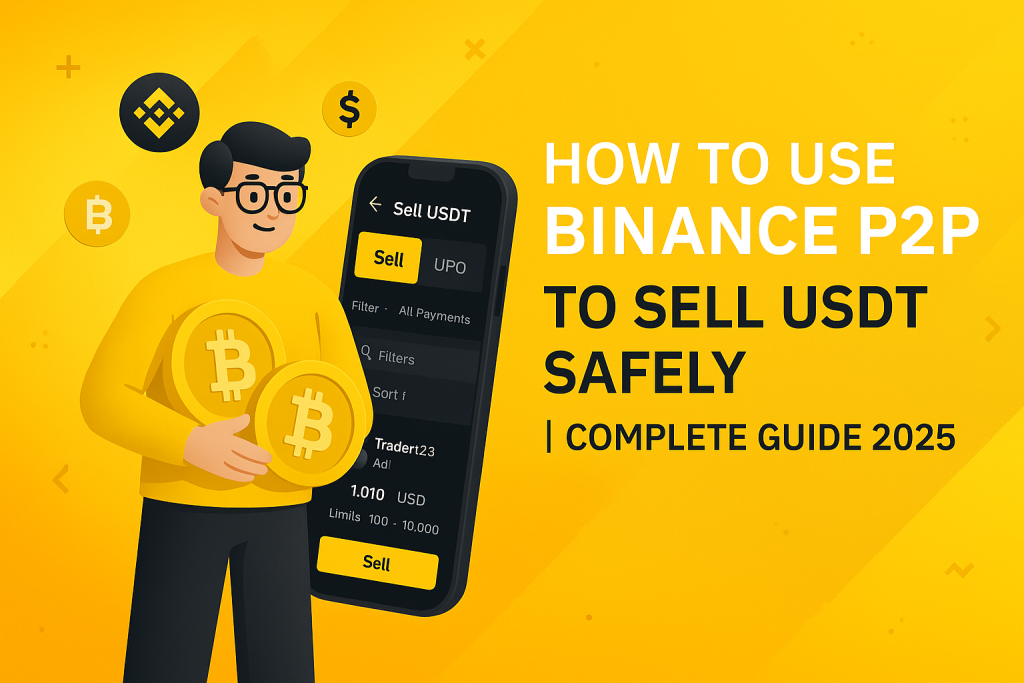
In 2025, Binance P2P (Peer-to-Peer) remains one of the most secure and popular ways to sell USDT and other cryptocurrencies directly to buyers. With Binance P2P, users can sell crypto for their local currency — like PKR (Pakistani Rupee), INR, USD, or others — without paying any transaction fees to Binance.
 Join WhatsApp Channel
However, for many beginners, the process can feel a bit confusing or risky — especially when it involves real money transfers. That’s why this complete step-by-step guide will help you learn how to sell USDT safely on Binance P2P, avoid scams, and ensure your funds are fully protected.
🔍 What is Binance P2P?
Binance P2P is a peer-to-peer trading platform built inside the Binance exchange. It allows users to buy or sell cryptocurrencies directly with each other.
Unlike normal trading on Binance, where you trade crypto against crypto (like BTC/USDT), P2P trading connects real people — you sell your crypto to another person and receive cash directly into your bank account, JazzCash, Easypaisa, or other payment methods.
Supported Coins on Binance P2P:
- USDT (Tether)
- BTC (Bitcoin)
- BUSD
- ETH (Ethereum)
- BNB
- DAI
🧭 Step 1: Create and Verify Your Binance Account
Before you can sell anything on Binance P2P, you must:
- Sign Up on Binance (https://www.binance.com).
- Complete KYC Verification (Identity verification using your CNIC or passport).
- Enable 2FA (Two-Factor Authentication) for extra security.
👉 Tip: Never skip verification — unverified users cannot use P2P trading.
💳 Step 2: Add Your Payment Method
Once your account is verified, you need to add at least one payment method to receive money.
To add a payment method:
- Go to Profile → Payment Methods.
- Click Add a new payment method.
- Choose options like:
- Bank Transfer
- Easypaisa
- JazzCash
- Meezan Bank / HBL / UBL etc.
- Enter your account details and confirm.
👉 Important: Always use your own verified account name. Binance will match your name on the payment account with your KYC name.
💰 Step 3: Transfer USDT to Your Funding Wallet
When you buy or deposit crypto on Binance, it usually goes to your Spot Wallet.
To sell it on P2P, you must transfer it to your Funding Wallet.
Steps:
- Go to Wallet → Funding.
- Click Transfer.
- Choose From: Spot → To: Funding.
- Select USDT and enter the amount.
- Confirm transfer.
Now your USDT is ready to sell via P2P.
💵 Step 4: Go to Binance P2P Marketplace
- Open the Binance app or website.
- Tap P2P Trading under the “Trade” section.
- Switch to the Sell tab.
- Select the crypto you want to sell — for example, USDT.
- Choose your currency (PKR) and preferred payment method.
You’ll now see a list of buyers available in your region.
👤 Step 5: Select a Trusted Buyer
This step is very important for your safety. Always check:
✅ Buyer’s completion rate: Should be above 95%.
✅ Total trades: The more trades, the better.
✅ Verification badge: “Verified Merchant” or “Pro Merchant” users are more reliable.
✅ Payment time: Some buyers take longer to send money — choose those who pay fast.
Once you find a trusted buyer:
- Click Sell.
- Enter the amount of USDT you want to sell.
- Choose your payment method.
- Tap Sell USDT to start the trade.
💸 Step 6: Wait for Payment from Buyer
After confirming the order, Binance will lock your USDT in escrow (temporarily hold it).
The buyer now has a fixed amount of time (usually 15–30 minutes) to send you the payment to your chosen account.
👉 Important Tips During This Step:
- Never release crypto before receiving payment.
- Always check your bank or wallet balance manually.
- Don’t rely on screenshots — they can be faked.
- If the buyer delays payment, you can cancel the trade once the timer ends.
🧾 Step 7: Confirm and Release USDT
When you receive payment in your bank or Easypaisa account:
- Verify the exact amount has been credited.
- Go back to Binance.
- Tap Confirm Release.
- Enter your 2FA code to confirm.
Once released, Binance transfers your USDT to the buyer’s account, and the transaction is complete.
🎉 Congratulations — you’ve successfully sold USDT on Binance P2P!
🔐 Safety Tips for Selling USDT on Binance P2P
Security should be your top priority when dealing with P2P trades. Here are essential safety tips every seller must follow:
- Always trade inside Binance.
Never agree to deal outside the platform — you’ll lose protection. - Never release crypto before payment.
Even if the buyer insists, wait for confirmation in your account. - Avoid fake screenshots.
Scammers often send edited payment proofs. Always check your bank app. - Communicate only through Binance chat.
Never share your personal WhatsApp or Telegram. - Use verified merchants.
Choose buyers with a verified badge, 95%+ completion rate, and 100+ successful trades. - Enable Anti-Scam Alerts.
Binance automatically warns you if the buyer has a suspicious history. - If there’s an issue, open a dispute.
Binance’s Escrow Protection System ensures you won’t lose funds.
🛑 What To Do If Buyer Doesn’t Pay?
If the buyer fails to send payment within the time limit:
- Click Cancel Trade after the countdown ends.
- Your USDT will be released back to your wallet automatically.
If the buyer claims to have sent the payment but you haven’t received it, do not release crypto.
Instead:
- Tap Appeal (Dispute).
- Explain the issue clearly.
- Upload screenshots of your bank or Easypaisa balance.
- Binance’s support team will investigate and resolve the case.
⚙️ How Binance Escrow Protects You
Binance uses an Escrow System to protect both buyers and sellers.
Here’s how it works:
- When you start a trade, Binance temporarily locks the seller’s crypto.
- The buyer sends payment directly to the seller.
- Once the seller confirms receipt, Binance releases the crypto.
- If there’s a dispute, Binance support investigates and decides fairly.
This system ensures no one can cheat or run away with your funds.
📱 Bonus: Tips for Fast & Smooth P2P Trading
✅ Keep your payment app (bank/Easypaisa) ready before starting a trade.
✅ Trade only during bank working hours to avoid delays.
✅ Double-check your payment details — one wrong digit can cause big issues.
✅ Keep your Binance app updated for better security and features.
✅ Always maintain a calm tone in chat — being polite helps during disputes.
🌍 Supported Payment Options in Pakistan (2025)
Binance P2P supports several local methods for USDT trading:
- Bank Transfer (Meezan, HBL, UBL, Alfalah)
- Easypaisa
- JazzCash
- NayaPay
- SadaPay
Each has its own limits, so choose the one most convenient for you.
🏁 Final Thoughts
Selling USDT safely on Binance P2P is simple once you understand the process. Binance’s Escrow protection, KYC system, and verified merchants make it one of the safest platforms to convert your crypto to cash in 2025.
Just remember:
- Never trade outside Binance.
- Always confirm payment before releasing crypto.
- Choose trusted buyers only.
By following this guide carefully, you can enjoy fast, secure, and hassle-free P2P trading — all from your phone or computer.
So, next time you need to sell your USDT, log in to Binance P2P, follow these steps, and trade with confidence.
Stay Safe. Trade Smart. Earn Securely. 💪