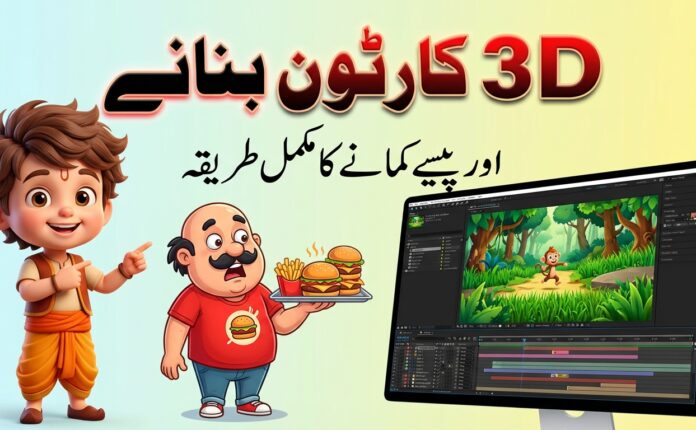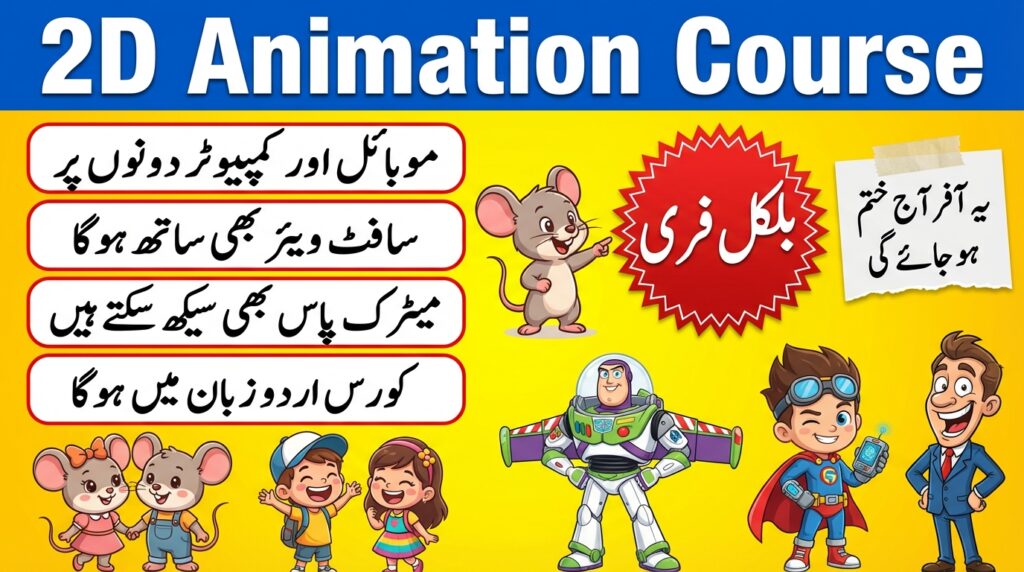
2D cartoon animation is one of the most valuable digital skills in 2026. From YouTube cartoons and educational videos to ads, games, and storytelling content, 2D animation is everywhere. The best part? You don’t need expensive equipment or a degree to learn it. With free tools, structured practice, and the proper roadmap, anyone can master 2D cartoon animation from scratch.
 Join WhatsApp Channel
This 2D Cartoon Animation Full Course 2026 is a complete step-by-step guide designed for beginners, students, YouTubers, and freelancers.
Why Learn 2D Cartoon Animation in 2026?
In 2026, animated content dominates digital platforms. Kids’ channels, explainer videos, mobile apps, and short-form content all rely heavily on 2D animation because it is:
- Cost-effective
- Easy to produce
- Highly engaging
- Perfect for storytelling
With AI support, faster software, and free learning resources, now is the best time to start learning 2D animation.
Course Overview: What You Will Learn
This complete course will teach you:
- Basics of animation principles
- Drawing for cartoons
- Character design
- 2D animation software
- Storyboarding & timing
- Lip-sync & facial animation
- Background design
- Editing & exporting
- Monetization & career paths
Module 1: Basics of 2D Cartoon Animation
What is 2D Animation?
2D animation is the process of creating movement in a two-dimensional space using frames, drawings, or vector graphics.
12 Principles of Animation (Must Learn)
- Squash & Stretch
- Anticipation
- Timing
- Ease In & Ease Out
- Arcs
- Follow Through
- Exaggeration
Understanding these principles makes your cartoons look natural and professional.
Module 2: Drawing Skills for Cartoon Animation
You don’t need to be a perfect artist.
Focus On:
- Simple shapes (circle, square, triangle)
- Stick figures first
- Expressions (eyes & mouth)
- Body poses
Free Drawing Tools:
- Krita
- GIMP
- MediBang Paint
- Paper & pencil (yes, still works!)
Practice daily for 20–30 minutes.
Module 3: Character Design for 2D Cartoons
A good character is:
- Simple
- Memorable
- Consistent
Character Design Steps:
- Choose character type (kid, animal, hero)
- Create front, side, and back views.
- Design facial expressions
- Select color palette
Free Character Design Software:
- Inkscape
- Krita
- Canva (basic cartoons)
Module 4: Best Free 2D Animation Software (2026)
You don’t need paid software to start.
Top Free Tools:
- OpenToonz – Professional-grade, studio-level
- Synfig Studio – Vector-based animation
- Pencil2D – Simple & beginner-friendly
- Blender (2D Grease Pencil) – Advanced but powerful
Choose one and master it instead of jumping between tools.
Module 5: Storyboarding & Scene Planning
Before animation, planning is crucial.
What is Storyboarding?
Storyboarding is drawing simple sketches to plan:
- Scenes
- Camera angles
- Character movement
- Timing
Benefits:
- Saves time
- Improves storytelling
- Reduces mistakes
You can storyboard on paper or digitally.
Module 6: Animation Techniques & Workflow
Frame-by-Frame Animation
- Best for expressive cartoons
- Time-consuming but high-quality
Tween Animation
- Software creates in-between frames.
- Faster production
- Ideal for YouTube content
Basic Animations to Practice:
- Walk cycle
- Jump
- Head turn
- Talking animation
Module 7: Lip Sync & Facial Animation
Lip-sync makes characters feel alive.
Steps:
- Record voice first
- Break audio into phonemes.
- Match mouth shapes
- Add eye blinks & eyebrows.
Free Audio Tool:
- Audacity
Keep lip-sync simple, especially for beginner projects.
Module 8: Background Design & Coloring
Backgrounds set the mood.
Types of Backgrounds:
- Static (simple scenes)
- Parallax (moving layers)
- Minimal flat backgrounds
Free Tools:
- Krita
- Canva
- Inkscape
Use soft colors and avoid clutter.
Module 9: Editing, Export & Final Output
After animation:
- Add sound
- Adjust timing
- Cut unnecessary frames
Free Video Editors:
- Shotcut
- CapCut
- DaVinci Resolve (Free)
Export Settings:
- Format: MP4
- Resolution: 1080p
- FPS: 24–30
Module 10: Publishing & Monetization
Where to Publish:
- YouTube
- YouTube Shorts
- Instagram Reels
- Freelance platforms
Ways to Earn:
- YouTube monetization
- Client projects
- Freelancing
- Online courses
- Kids’ content channels
Consistency is more important than perfection.
Career Opportunities in 2D Animation (2026)
- YouTube Animator
- Freelance Animator
- Cartoon Content Creator
- Explainer Video Artist
- Social Media Animator
Even basic animation skills can generate income.
Learning Plan (Beginner Friendly)
Month 1: Drawing + software basics
Month 2: Character design + simple animations
Month 3: Full short cartoon projects
Small daily practice beats long, irregular sessions.
Final Words: Start Today, Not Tomorrow
2D cartoon animation is a future-proof skill. In 2026, content demand is higher than ever. With free tools, structured learning, and patience, anyone can become a skilled 2D animator.